Printer Not Responding
Why Your Printer Is Not Responding and How to Troubleshoot It
Why Your Printer Is Not Responding and How to Troubleshoot It
Introduction
A printer not responding is a frustrating issue that can interrupt your workflow, delay important tasks, and create unnecessary stress. Whether you are trying to print a document for work, school, or personal use, a non-responsive printer can quickly become a major inconvenience. What makes the situation even more confusing is that the printer may appear to be properly connected and powered on, yet it still fails to receive or execute print commands.
This problem can occur for a variety of reasons, ranging from simple connection issues to more complex software or driver-related problems. In many cases, the issue is temporary and can be resolved with a few basic troubleshooting steps. However, without proper guidance, users may struggle to identify the root cause.
This article explains the most common reasons why your printer is not responding and provides clear, step-by-step solutions to help you troubleshoot the issue effectively. The goal is to help you restore your printer’s functionality without requiring advanced technical knowledge.
Common Reasons for Printer Not Responding
Understanding the underlying causes of the problem is essential before attempting any fixes. Below are some of the most common reasons why a printer may stop responding:
Connection problems – Loose cables or unstable wireless connections
Stuck print queue – Pending print jobs blocking new commands
Incorrect printer settings – Wrong default printer or configuration
Outdated or corrupted drivers – Preventing communication between devices
System errors – Temporary glitches in the operating system
Printer offline status – Printer not ready to receive commands
Low ink or hardware issues – Physical limitations affecting performance
Identifying the exact cause can save time and help you apply the right solution quickly.
Check Printer Connection
The first and most important step is to verify that your printer is properly connected.
For wired printers:
Ensure the USB cable is securely connected to both the printer and the computer
Try using a different USB port
Replace the cable if it appears damaged
For wireless printers:
Confirm that the printer is connected to the correct WiFi network
Ensure your computer or mobile device is on the same network
Restart your router if the connection seems unstable
Even a small interruption in connectivity can prevent your printer from responding.
Ensure the Printer Is Powered On
Sometimes the issue is as simple as the printer being turned off or in sleep mode.
Check the power button and indicator lights
Wake the printer if it is in sleep mode
Ensure the power cable is properly plugged in
A printer that is not fully powered on will not respond to any commands.
Clear Print Queue
A stuck print job is one of the most common reasons a printer becomes unresponsive.
When multiple print jobs are queued, a single corrupted or paused document can block all others.
To clear the print queue:
Open your computer’s printer settings
Locate the print queue
Cancel or delete all pending jobs
After clearing the queue, restart both your printer and computer to refresh the system.
Set Printer as Default
If your system has multiple printers installed, it may be sending commands to the wrong device.
To set your printer as default:
Go to your device’s printer settings
Select your printer from the list
Click on “Set as Default Printer”
This ensures that all print jobs are directed to the correct printer.
Update or Reinstall Printer Drivers
Printer drivers act as a bridge between your computer and the printer. If they are outdated, missing, or corrupted, your printer may stop responding.
To update drivers:
Visit the official website of your printer manufacturer
Download the latest driver for your specific model
Install the driver and restart your computer
If updating doesn’t work:
Uninstall the existing driver
Reinstall it from scratch
Keeping drivers up to date is essential for smooth communication between devices.
Restart Devices
Restarting your devices is one of the simplest yet most effective troubleshooting methods.
Turn off your printer
Shut down your computer
Restart your WiFi router (if using a wireless printer)
Wait for 1–2 minutes
Turn everything back on
This process helps clear temporary glitches and resets system processes.
Check Printer Status (Online/Offline Mode)
A printer set to offline mode will not respond to print commands.
To check and fix this:
Open printer settings on your computer
Locate your printer
Check its status
If it shows “Offline,” change it to “Online”
Once set to online, try printing a test document.
Verify Printer Settings
Incorrect printer settings can also cause issues.
Ensure the correct printer is selected when printing
Check paper size and print preferences
Make sure “Pause Printing” is not enabled
Adjusting these settings can help restore normal operation.
Check for System Updates
Sometimes, your operating system may have bugs or compatibility issues that affect printer performance.
Check for available system updates
Install any pending updates
Restart your computer
Updated systems often include fixes for common device-related problems.
Inspect for Error Messages
Modern printers usually display error messages or warning lights.
Common issues include:
Paper jam
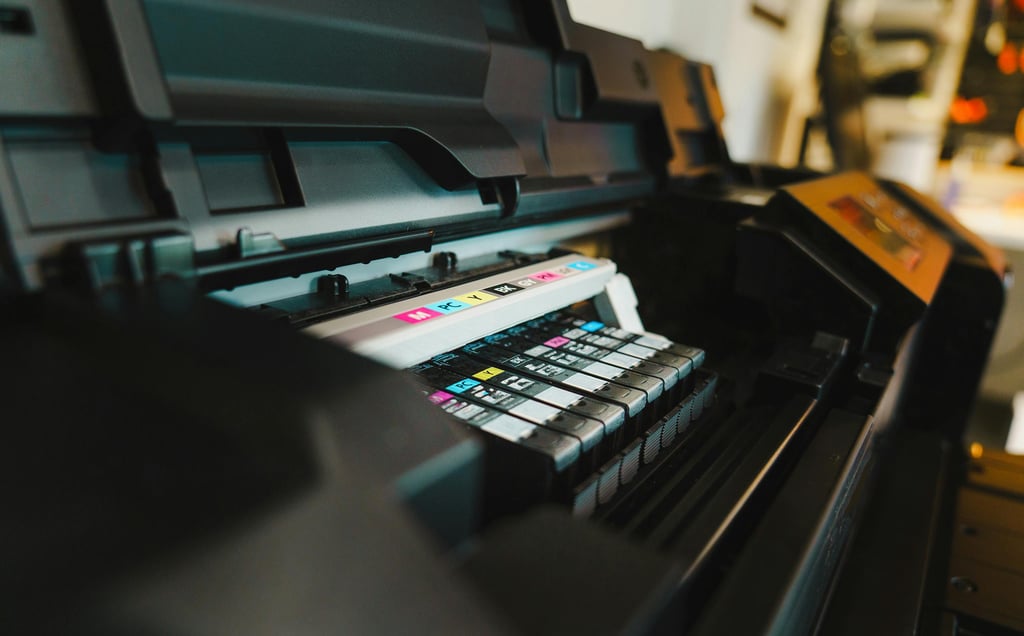
Low ink or toner
Open printer cover
Hardware malfunction
Addressing these errors directly can often resolve the issue quickly.
Check Ink, Toner, and Paper
A printer may stop responding if it cannot complete the print job due to lack of resources.
Ensure there is enough paper in the tray
Check ink or toner levels
Replace empty cartridges
These basic checks are often overlooked but are crucial for proper functioning.
Run Built-in Troubleshooter
Most operating systems include a built-in troubleshooting tool.
To use it:
Open system settings
Navigate to troubleshooting section
Select printer troubleshooter
Follow the on-screen instructions
This tool can automatically detect and fix common problems.
Test with Another Device
To determine whether the issue lies with the printer or your computer, try printing from another device.
Use a different computer or smartphone
Connect it to the same printer
Send a test print
If the printer responds, the problem is likely with your original device.
Reset the Printer
If none of the above steps work, resetting the printer may help.
Refer to the printer manual for reset instructions
Perform a factory reset
Reconfigure the settings
This step can resolve deeper software or configuration issues.
Additional Troubleshooting Tips
Here are some extra tips that can help prevent or resolve printer issues:
Keep your printer drivers updated regularly
Use high-quality ink and paper
Clean your printer periodically
Avoid overloading the paper tray
Turn off the printer properly after use
Regular maintenance can significantly reduce the chances of facing issues.
Important Note
The information provided in this article is general in nature and intended for educational and informational purposes only. The exact steps and solutions may vary depending on your printer brand, model, and operating system.
This content does not replace professional technical support. If your printer has a hardware fault or requires repair, it is recommended to contact the manufacturer’s official support service or a certified technician.
This website is an independent informational resource and does not provide direct repair services or technical assistance.
Conclusion
A printer not responding can be a frustrating experience, but in most cases, it can be resolved with simple troubleshooting steps. By checking connections, clearing the print queue, updating drivers, and ensuring proper settings, you can quickly identify and fix the issue.
Understanding the common causes and applying a systematic approach can save time and prevent unnecessary stress. Regular maintenance and timely updates also play a key role in keeping your printer functioning smoothly.
With the steps outlined in this guide, you can confidently troubleshoot printer issues and restore normal operation without needing advanced technical expertise. You can also explore other guides on printer setup, connection methods, and troubleshooting steps available on this website for additional information.